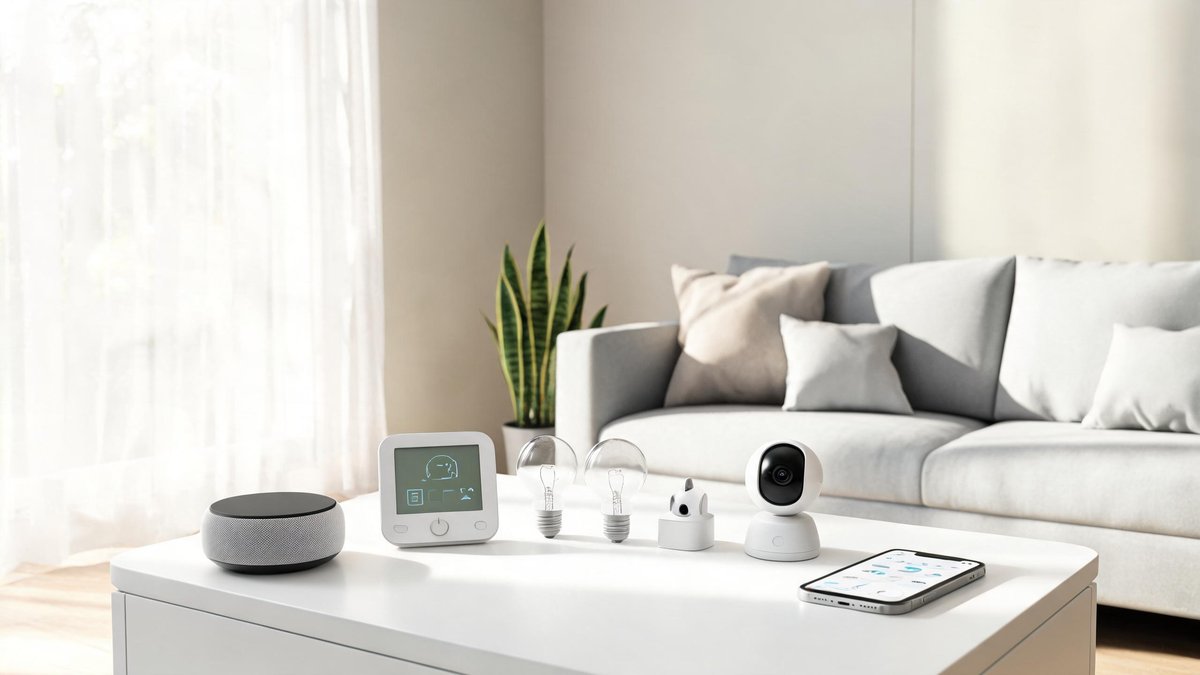
You walk through the door and the hallway light flicks on. Your favorite playlist starts, the thermostat drops a degree, and the coffee maker has already finished brewing. This isn't a scene from a futuristic movie—it's a well-planned smart home setup. If you're new to all this, the sheer number of devices, protocols, and apps can feel overwhelming. Don't worry. You don't need a degree in electrical engineering or a bottomless bank account. This guide strips away the noise and gives you a clear, practical path from zero to a home that works for you, not against you.
Why Start Your Smart Home With a Hub?
A smart home hub acts as the brain of your system. Instead of juggling six different apps to control your lights, thermostat, and door lock, you open one interface and see everything. According to a 2025 Parks Associates survey, 45% of users with three or more smart home brands cited managing multiple apps as their single biggest frustration. That's nearly half of all multi-device owners wasting time toggling between screens. A hub from companies like Samsung SmartThings, Hubitat, or Apple's HomeKit eliminates that clutter. It also processes commands locally much of the time, trimming response latency by up to 30% compared to cloud-only automation. That means your “goodnight” scene triggers instantly, not after a two-second delay while a server somewhere decides you've had enough screen time. When you're just starting out, grab a hub that supports Zigbee, Z-Wave, and Wi-Fi. This mix future-proofs your setup and lets you talk to the widest range of budget-friendly sensors. Think of it as the foundation: without it, you'll end up with a pile of incompatible gadgets that can't hold a conversation with each other.
Pick Your First Devices: Lights, Plugs, and Sensors
Don't buy a dozen gadgets on day one. That's the fastest route to confusion and returns. Start with a handful of devices that deliver immediate, visible value: smart bulbs, smart plugs, and motion sensors. A single smart bulb like the Philips Hue White Ambiance uses 75% less energy than an old incandescent and can last over 15,000 hours, slashing both your electricity bill and replacement hassle. Smart plugs turn any “dumb” appliance into an automatable device—plug in a lamp, a fan, or a coffee maker, and you're suddenly scheduling them from your phone. Add a motion sensor in your hallway or bathroom, and you'll never stumble through the dark again. Research from the Lawrence Berkeley National Lab found that using occupancy-based lighting controls can cut lighting energy use by 35% in residential settings. You don't need to wire anything; just stick a sensor on the wall, pair it with your hub, and create a simple rule. The takeaway: Lights, plugs, and sensors are the three amigos of a beginner's smart home. They install in minutes, cost less than $25 each when you choose brands like TP-Link Kasa or Wyze, and give you that instant “wow” moment when your home responds to your presence.
Tech Fact: A VPN encrypts your internet traffic and hides your IP address. It is essential on public Wi-Fi but does not make you anonymous — your VPN provider can still see what you do.
Voice Assistants: Which One Fits Your Ecosystem?
Voice assistants have become the default remote controls for smart homes. But picking Alexa, Google Assistant, or Siri isn't just about which one understands your accent best—it's about the digital ecosystem you already trust. In 2025, eMarketer reported that over 55% of US smart speaker households use Amazon Echo devices, while Google Nest and Apple HomePod split the rest. That dominance matters because third-party developers often prioritize Alexa skills. Yet pure market share shouldn't drive your choice alone. In natural language understanding benchmark tests, Google Assistant answered 92% of queries correctly, edging out Alexa at 88%. If you live in a Google-heavy household—Gmail, Calendar, Maps, YouTube Music—a Nest Hub becomes a seamless extension of your everyday apps. Apple users who rely on iCloud and Apple Music will find that Siri, while less flexible, integrates tightly with HomeKit and keeps your data encrypted in ways competitors don't always match. Before you buy a single smart speaker, list the services you use most. Then pick the assistant that plays nicest with them. You'll save yourself the headache of barking commands that go nowhere or realizing your entire cooking timer routine falls flat because you chose the wrong companion.
Routines and Automations That Actually Save You Time
Owning smart devices doesn't automatically make your life easier. The magic happens when you chain actions into routines that fire without a single tap. According to a small study by the Consumer Technology Association, households that implemented at least three automated routines saved an average of 15 minutes per day—that's over 90 hours a year reclaimed. One of the most effective routines is the morning sequence: at 6:30 a.m., the bedroom lights gradually brighten to 40%, the thermostat warms the bathroom, and the smart plug kicks on the coffee maker. No more fumbling for switches or standing half-asleep over a cold kettle. Another high-impact automation is the “away” mode. When your phone's GPS leaves a predefined geofence, your hub can turn off all lights, lower the blinds, arm the security system, and set the thermostat to an energy-saving temperature. A real-world pilot by Nest found that households using Home/Away Assist reduced heating and cooling energy by an average of 12% annually. Start small: pick one time of day you wish ran on autopilot—mornings or bedtime—and build a routine with just three devices. You'll quickly see how small automations stack up into a more relaxed daily rhythm.
Don't Overlook Security and Privacy
Every connected device you add is a potential door for intruders, and we're not just talking about digital ones. A 2025 report from Bitdefender revealed that IoT devices are targeted by an average of 12,000 cyberattacks per week globally. Yet a separate survey found that over 30% of smart camera owners have never changed the default password. Those two numbers, side by side, should make you pause. Securing your smart home doesn't require a cybersecurity degree—it requires a little discipline. Change the admin password on every device immediately. Enable two-factor authentication wherever it's offered, especially on your hub and any camera accounts. If your router supports it, create a dedicated IoT network on a separate VLAN; this keeps a compromised smart plug from reaching the laptop where you file taxes. Fitness tracker data and baby monitor feeds can also leak personal patterns. Last year, Mozilla's *Privacy Not Included* guide flagged that voice assistant recordings are often reviewed by human contractors unless you opt out, so dig into your assistant's privacy settings and delete stored recordings. Finally, treat firmware updates like oil changes: they're boring but non-negotiable. Set a recurring calendar reminder to check for updates monthly, or enable auto-update if the device maker offers a trustworthy rollout. A few minutes of proactive security saves you from becoming a headline.
Expand Without Breaking Your Budget
Smart home tech doesn't have to drain your wallet, but impulse buying sure will. The average US household spent about $350 on smart home gadgets in their first year, according to a 2025 Statista consumer survey. You can stretch that number far further with a little strategy. Buy one multi-purpose hub instead of brand-specific bridges—a $60 SmartThings station controls lights, sensors, and locks from dozens of manufacturers, saving you from buying separate Philips Hue and Lutron bridges. Refurbished smart speakers sold directly by Amazon or Google often run 30% to 40% cheaper than new, carry the same warranty, and bypass the “I just unboxed landfill guilt” cycle. Watch for seasonal sales, but more importantly, set a quarterly budget and stick to a priority list. Every gadget should solve a tangible problem before you click “add to cart.” If you're renting, favor stick-on sensors and plug-in modules over anything that requires hardwiring—landlords don't love mystery holes in the wall. When you do splurge, put your money into devices that improve security and energy monitoring; a smart thermostat or a handful of leak sensors can pay for themselves in less than two years through lower bills and prevented disasters. The takeaway is simple: Plan your path, ignore the hype, and invest where your daily routine gets a measurable lift.