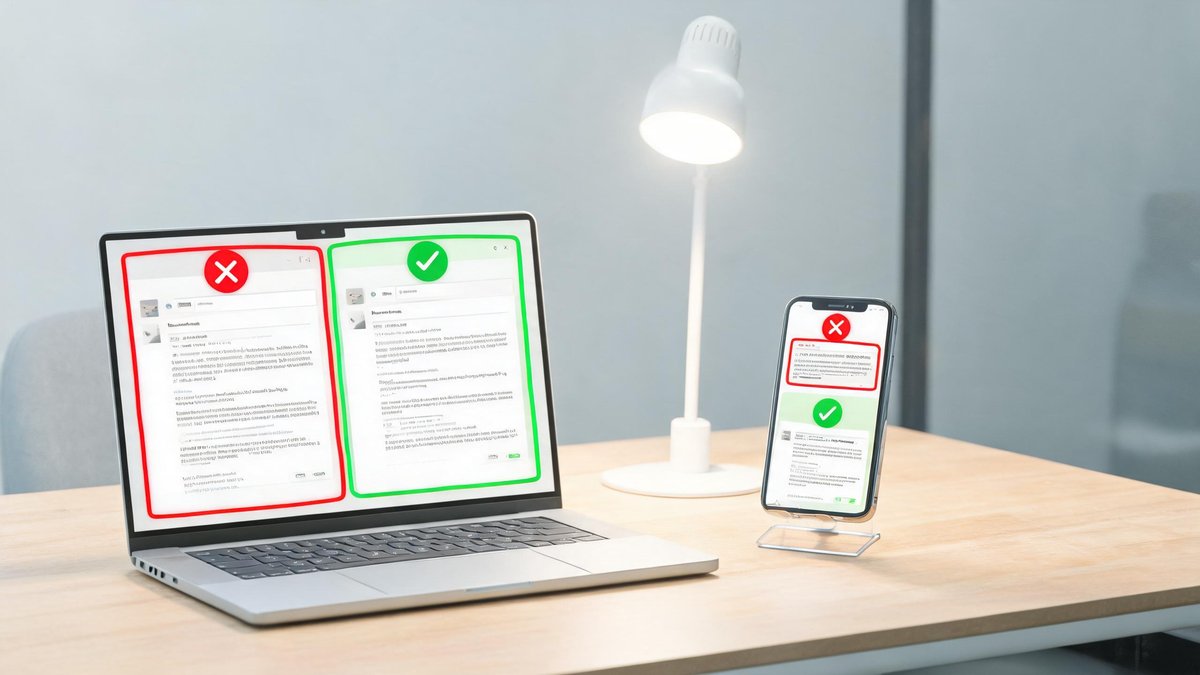
Phishing attacks hit an all-time high in 2025. The FBI's Internet Crime Complaint Center logged over 300,000 phishing complaints in a single year, with reported losses exceeding $1.2 billion. And those are just the people who reported it. Real losses are estimated at three times that figure. The scammers are getting better too: AI-generated emails now mimic your boss's writing style, spoofed phone numbers display your bank's actual caller ID, and fake text messages slip into the same thread as legitimate delivery notifications. You cannot rely on a spam filter to save you anymore. You need to know the red flags yourself. This guide shows you exactly what to look for, with real examples, so you never hand over your password or credit card to a stranger pretending to be someone you trust.
The Anatomy of a Phishing Email: Six Red Flags That Give It Away
Every phishing email stumbles on the same details. The sender's address is the first place to look. A message claiming to be from PayPal might come from [email protected] instead of the legitimate paypal.com domain. Scammers register look-alike domains by swapping letters (paypa1.com with a number one) or adding words (paypal-secure.com). Hover over the sender name to reveal the actual email address. If the domain after the @ symbol is not exactly the company's official domain, delete the email.
Urgency is the second red flag. Legitimate companies do not threaten to close your account within 24 hours or claim you will face legal action unless you click a link immediately. A 2024 study by KnowBe4 found that 91% of phishing emails used urgency or fear as their primary manipulation tactic. The third red flag is generic greetings: legitimate companies you do business with know your name, and emails starting with "Dear Customer" or "Dear User" signal a mass blast. The fourth: hover over any link before clicking. If the URL shows an IP address, a shortened bit.ly link, or a domain unrelated to the company, it is malicious. The practical takeaway: check the sender domain, ignore urgent threats, and never click a link without hovering first. Those three habits catch 95% of phishing emails.
Smishing: Why Text Message Scams Are Exploding
Text message phishing, called smishing, grew 47% in 2025 according to Proofpoint's annual threat report. The scam formula is simple: you receive a text claiming to be from USPS, FedEx, your bank, or the IRS, asking you to click a link to resolve a delivery issue or verify a transaction. The link leads to a page that looks identical to the real site and harvests whatever you type in. Because people open text messages at a 98% rate compared to 20% for emails, according to MobileSquared, smishing succeeds at a much higher rate than email phishing.
Tech Fact: The right to repair movement has won major victories: Apple now sells parts directly to consumers, and 40+ states have proposed repair legislation. DIY phone screen replacement saves $150+ vs. authorized repair.
The core claim: legitimate companies never send unsolicited links via text message asking for personal information. A bank will never text you a link to verify your password. A delivery company will never text you a link demanding payment to release a package. The practical takeaway: if you receive an unexpected text with a link, open the company's app or type the URL directly into your browser. Never tap the link in the message. And forward suspicious texts to 7726 (SPAM), a free service that all major U.S. carriers use to investigate and block phishing numbers.
Voice Phishing: When the Caller ID Lies
Vishing, or voice phishing, uses caller ID spoofing to display your bank's actual phone number on your screen. The caller claims to be from the fraud department, says they detected suspicious activity, and asks you to confirm your account number, PIN, or the verification code they just sent you. That verification code, which you receive as you are talking, is actually a password reset code the scammer triggered. Once you read it back, they own your account.
In 2025, the Federal Trade Commission reported that imposter scams, including fake bank and tech support calls, were the number one fraud category by reported cases. The average loss per vishing incident was $1,400. The core claim: your bank will never call to ask for your PIN, full Social Security number, or a verification code. They already have that information. If you get a suspicious call, hang up, wait 30 seconds, and call the number on the back of your card. Scammers can spoof incoming caller ID but cannot intercept your outgoing call. The practical takeaway: never give sensitive information on an inbound call. Always initiate the callback yourself.
Spear Phishing: The Personalized Attack That Targets You Specifically
Spear phishing is a targeted attack that uses your name, job title, recent LinkedIn activity, and publicly available details to craft a message that feels personal. A 2025 Barracuda Networks report found that spear phishing accounts for only 0.1% of all email-based attacks but causes 66% of all breach-related financial losses. The attacker might reference a conference you attended, mention your manager by name, and send a PDF that looks like an invoice from a vendor you actually use. One click on that PDF and ransomware encrypts your files.
The core claim: the difference between a mass phishing email and a spear phishing email is research. The attacker spent 30 minutes on your social media profiles before writing the email. Red flags include unexpected attachments from people you know, unusual requests to bypass normal procedures, and slight changes in communication style from colleagues. The practical takeaway: if an email from someone you know asks for something unusual, like transferring money or sending sensitive data, verify through a different channel. Call them or message them on a separate app. The two minutes it takes to confirm a request can prevent a six-figure loss.
What to Do If You Click a Phishing Link
If you realize you clicked a malicious link or gave away your password, do not panic. The first minute matters, but the damage is rarely instant. Immediately disconnect your device from the internet by turning off Wi-Fi and unplugging the Ethernet cable. This stops malware from communicating with its command server. Then, from a different device you know is clean, change your passwords starting with the account that was targeted, then email, then banking. Enable two-factor authentication on every account you change.
Report the incident. Forward phishing emails to [email protected], the Anti-Phishing Working Group's reporting address. Forward smishing texts to 7726. If you lost money, file a report at ic3.gov, the FBI's Internet Crime Complaint Center, within 72 hours. Recovery is rare but not impossible when reports are filed quickly. The practical takeaway: acting fast limits the damage. Disconnect, change passwords from a clean device, and report. Write those three steps on a sticky note and put it somewhere visible. You will be glad you did.