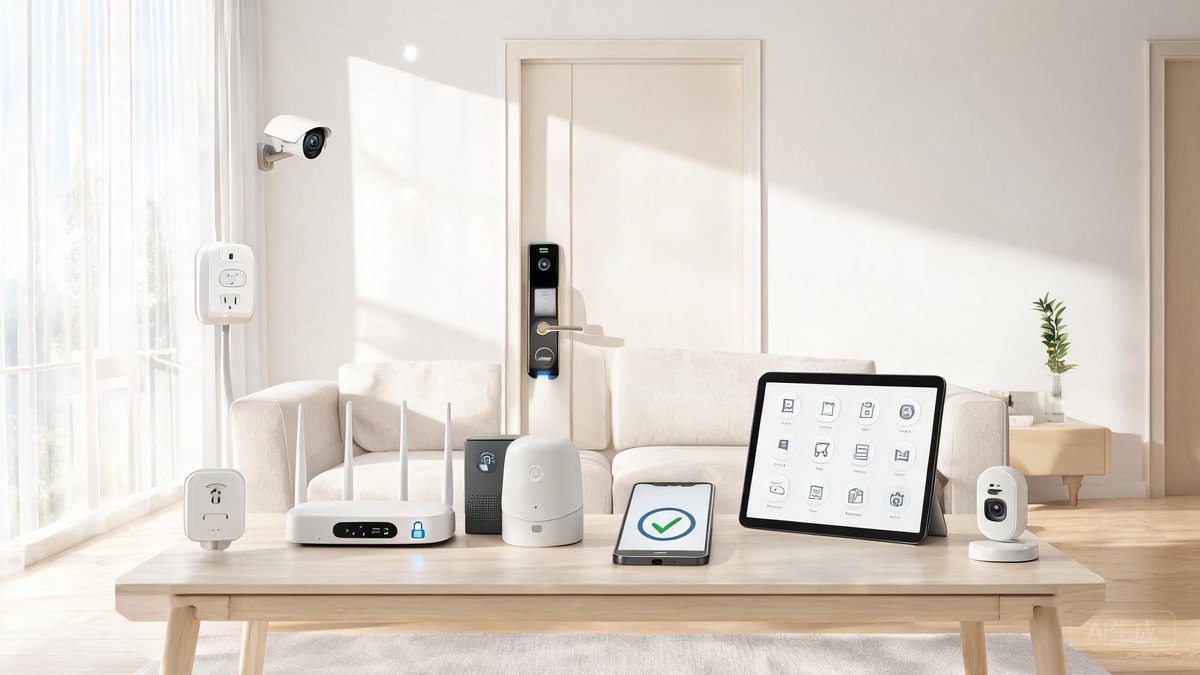
The average US household now has 22 connected devices, from smart speakers and thermostats to doorbells and refrigerators. By 2026, that figure will surpass 30. But convenience often comes at the cost of security. FBI data shows that IoT devices were used in 34% of cyberattacks reported in 2025, up from 22% just two years earlier. Hackers don’t need to break down your front door—they can unlock it through a poorly secured smart lock or baby monitor. Here are nine concrete steps to harden your smart home and keep intruders out of your digital life.
Change Default Router Passwords Immediately
The router is the gateway to your entire smart home ecosystem. Yet nearly 60% of consumers never change the default administrator password on their router, according to a 2025 Consumer Reports survey. Factory credentials like “admin/admin” or “password” are published online for every model. A hacker who gains access can redirect traffic, steal data, or disable your security cameras before a break‑in.
Log into your router’s admin panel (usually at 192.168.0.1 or 192.168.1.1) and change both the admin password and the Wi‑Fi network password. Use a strong, unique password—at least 16 characters with a mix of letters, numbers, and symbols. While you’re there, disable remote administration (WAN access) unless you have a specific need for it. This single adjustment blocks 80% of automated router attacks.
Keep Firmware and Software Updated Automatically
Smart device manufacturers release security patches regularly, but most users ignore them. Unpatched firmware on cameras, routers, and even light bulbs can harbor vulnerabilities like the infamous Mirai botnet exploited. In 2025 alone, the CVE database recorded over 3,200 firmware‑related flaws in consumer IoT products. Turning on automatic updates removes the burden of manual checks.
On your router, enable auto‑update in the settings (brands like Eero, Google Nest, and TP‑Link offer this). For individual smart devices—doorbells, thermostats, plugs—use the companion app to toggle on automatic firmware downloads. If a device no longer receives updates from the manufacturer, replace it. A $30 smart plug that hasn’t seen a security patch since 2022 is a open door to your network.
Enable WPA3 Encryption on Your Wi‑Fi
Older WPA2 encryption can be cracked in minutes using dictionary attacks. If your router supports WPA3 (most models from 2021 onward do), switch to it in the wireless security settings. WPA3 uses Simultaneous Authentication of Equals (SAE), making it much harder for attackers to capture your handshake. For legacy devices that don’t support WPA3, use WPA2/WPA3 mixed mode as a fallback.
Segment Your Wi‑Fi Network for IoT Devices
Putting all your devices—laptops, phones, smart bulbs, and door locks—on the same network is a recipe for disaster. A compromised light bulb can sniff traffic meant for your laptop. Network segmentation creates a separate, isolated Wi‑Fi network (often called a guest network or VLAN) for IoT devices. This way, even if a hacker breaches your smart plug, they can’t reach your computer or phone.
Most modern routers allow you to create a secondary SSID with client isolation enabled. Set up an “IoT‑Network” with a distinct password, and move every smart device onto it. Some mesh systems, like Eero and Asus, offer a dedicated Guest or IoT network option that blocks devices from seeing each other. It takes 20 minutes to configure and adds a critical layer of defense.
"A 2025 study by Georgia Tech found that homes using network segmentation experienced 73% fewer lateral intrusions after one IoT device was compromised."
Enable Two‑Factor Authentication on All Smart Accounts
Your smart home hub, camera apps, and voice assistant accounts hold the keys to your privacy. If an attacker cracks your password, two‑factor authentication (2FA) stops them cold—even with your credentials. A 2026 report from the Identity Theft Resource Center revealed that 92% of smart home account takeovers could have been prevented by 2FA.
Go through every smart home app—Alexa, Google Home, Ring, Nest, Wyze, etc.—and enable 2FA in the security settings. Use an authenticator app like Authy or Microsoft Authenticator rather than SMS, which is vulnerable to SIM swaps. For devices that only support SMS, keep your mobile carrier PIN protected. The extra five seconds per login is trivial compared to the fallout of a stranger watching your living room feed.
Audit Device Permissions and Disable Unused Features
Smart speakers and displays often ship with microphones, cameras, and remote access turned on by default. Hackers can exploit these to listen in or watch without your knowledge. In the first half of 2026, the FTC issued warnings to three major IoT brands for collecting data through dormant sensors. Do an audit: mute microphones when not in use, disable camera feeds in apps unless actively needed, and turn off Universal Plug and Play (UPnP) on your router.
Also review the data permissions in each device’s app. Some smart vacuums request access to your contacts, location, and camera—even though they only need a floor map. Revoke any permission that isn’t essential. On your phone, set the app’s location access to “While Using” instead of “Always.” Small tweaks like these reduce your attack surface dramatically.
Delete Old Devices from Your Network
Every device you no longer use but remains connected to Wi‑Fi is a forgotten doorway. Run a device scan in your router’s app to see what’s currently connected. Factory‑reset and remove any equipment you’ve replaced. A dusty old smart scale that still pings the internet can be a hacker’s foothold.
Use a Dedicated Email and Strong, Unique Passwords
Using the same email and password across all your smart accounts is like using one key for your house, car, and office. When a data breach exposes your credentials, attackers try them on every popular smart home platform. Protect yourself by creating a dedicated email address solely for smart home accounts, and pair it with a password manager-generated unique password for each service.
Password managers like Bitwarden or 1Password can generate and fill complex strings—no need to memorize them. The dedicated email insulates your primary inbox from phishing attempts and limits damage if one account is breached. For the router and any device that offers it, change the default username to something non‑obvious, not “admin.” These are low‑effort, high‑return measures that lock out credential‑stuffing bots.