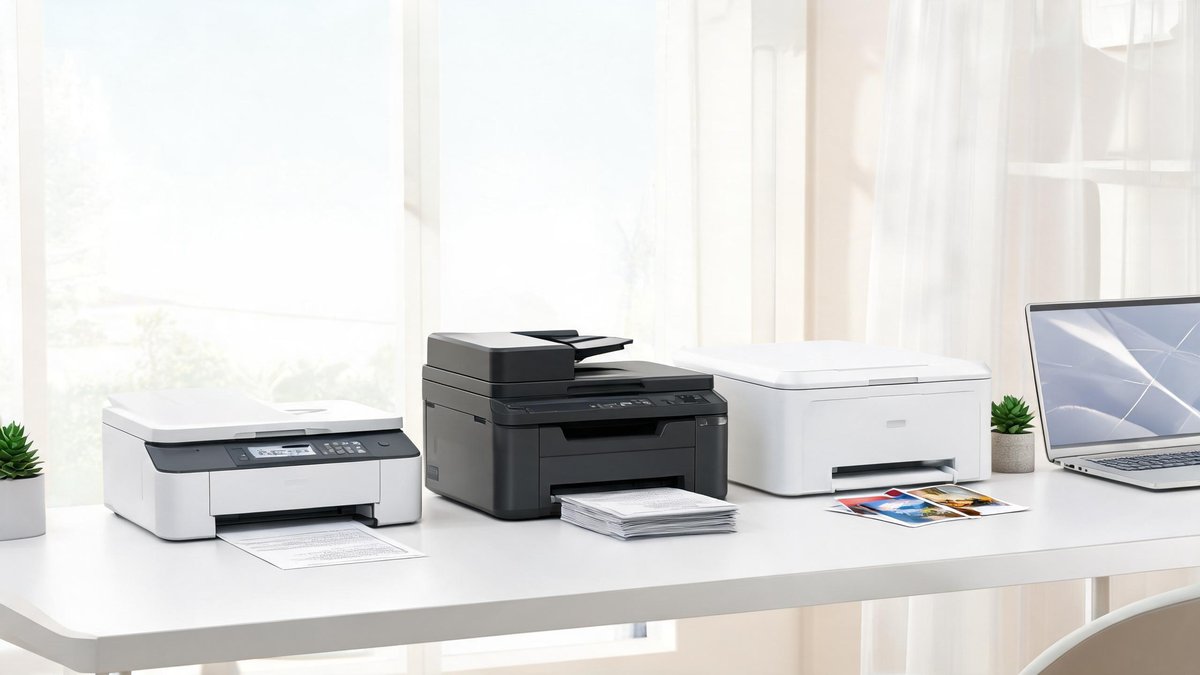
The printer industry has spent decades perfecting a business model that looks like a deal and behaves like a trap. You buy a $60 inkjet printer, print 200 pages, and then discover that a full set of replacement cartridges costs $70. That is not an accident. Printer manufacturers sell the hardware at or below cost and make their margins on ink. In 2022, a Consumer Reports investigation found that some inkjet cartridges cost more per milliliter than vintage champagne. The good news is that in 2026, ink tank printers have upended this model, and laser printers have dropped in price to the point where they make sense for most homes. This guide helps you pick a printer that does not feel like a subscription you forgot to cancel.
Inkjet vs. Laser: The First and Most Important Decision
Inkjet printers spray liquid ink through microscopic nozzles onto the paper. They handle color photos, glossy prints, and mixed text-and-image documents beautifully. The ink dries out if the printer sits idle for weeks, and a cleaning cycle wastes ink flushing dried residue from the nozzles. Laser printers use toner, a fine powder fused to the paper with heat. They print text faster and sharper than inkjets, and toner never dries out because it starts as a powder. The per-page cost for black-and-white laser printing runs about 3 cents, while inkjet black-and-white runs 5 to 15 cents depending on the model.
The core claim: if you print mostly black-and-white documents a few times per week, buy a laser printer. It will sit idle for a month and print perfectly on the first page every time. If you print color photos, glossy brochures, or school projects with images, buy an ink tank inkjet. The practical takeaway: homes with school-age children typically need inkjet for color projects. Homes that print tax forms, shipping labels, and recipes should buy a monochrome laser and never think about dried-up ink again.
Ink Tank Printers: The Death of the Cartridge Racket
Ink tank printers replace expensive disposable cartridges with refillable tanks that you top off from inexpensive bottles. The Epson EcoTank ET-2850 ($249) includes enough ink in the box to print roughly 4,500 black-and-white pages and 7,500 color pages. Replacement ink bottles cost $13 each and print thousands of pages. Compare that to a cartridge-based printer where a $45 replacement cartridge set prints 200 pages before demanding replacement. The math is not subtle: over 10,000 pages, the ink tank saves you roughly $800 in consumables.
Tech Fact: The FCC reports that 42 million Americans lack access to broadband internet. Starlink and 5G home internet are closing the gap for rural areas at 50-200 Mbps speeds.
The trade-off is the upfront price. An ink tank printer costs $200 to $300 versus $60 for a cartridge model. But the total cost of ownership flips after roughly 500 pages. The core claim: if you print more than 10 pages per week, an ink tank printer pays for itself within 18 months through ink savings alone. The practical takeaway: buy the Epson EcoTank ET-2850 or Canon MegaTank G3270. They cost more at the register but stop the monthly ink subscription pain entirely.
Monochrome Laser Printers: Fast, Reliable, and Shockingly Affordable
The Brother HL-L2460DW ($159) is the most recommended printer on the internet for a reason. It prints 32 pages per minute, connects via Wi-Fi or Ethernet, supports automatic duplex (double-sided) printing, and uses a toner cartridge that lasts for 1,200 pages before a $45 replacement gets you another 3,000 pages through a high-yield cartridge. There is no color, no scanner, and no touchscreen. It does one thing perfectly: takes a document from your phone or laptop and delivers it in crisp 600 DPI text eight seconds later.
The core claim: a monochrome laser printer is the closest thing to a maintenance-free appliance in the printing world. Dust, humidity, and months of inactivity do not affect it. The practical takeaway: pair a monochrome laser printer as your daily driver with a drugstore photo printing service for the three times a year you need color prints. You will spend less total money and experience zero printer frustration.
All-in-One Printers: When You Actually Need a Scanner and Copier
If you work from home, handle contracts, or manage a household that needs to scan receipts, school forms, and medical records, an all-in-one model with a built-in scanner and automatic document feeder saves hours over using a phone camera app. The Brother MFC-L2820DW ($239) combines the monochrome laser engine from the HL-L2460DW with a flatbed scanner and a 40-page automatic document feeder. You drop a stack of pages in the feeder, press a button, and multi-page PDFs arrive in your email or cloud storage.
For color all-in-one needs, the HP Smart Tank 7602 ($299) pairs HP's ink tank system with a scanner, copier, fax, and an automatic document feeder. The HP Smart app scans directly to cloud services including Google Drive and Dropbox. The core claim: an all-in-one laser printer costs $80 more than the printer-only version, and that premium buys back the hours you would spend photographing documents with your phone. The practical takeaway: buy the all-in-one if you scan more than twice a month. The convenience compounds.
Connectivity and Apps: Avoid Printers That Need a Wired Connection
Every printer sold in 2026 should support Wi-Fi Direct and cloud printing. Wi-Fi Direct broadcasts its own network, so you connect your phone directly without needing a router. Cloud printing services, including Apple AirPrint, Google Cloud Print (replaced by Mopria Print Service on Android), and manufacturer-specific apps, let you print from anywhere in the house. Before buying, confirm the printer supports at least AirPrint and Mopria.
The core claim: printers that require a USB cable connection to a single computer are not worth buying in 2026, even at a discount. A 2025 survey by Keypoint Intelligence found that 74% of home printing jobs now originate from a phone or tablet, not a computer. The practical takeaway: look for "Works with AirPrint" and "Mopria certified" on the box. Download the manufacturer's app on your phone before setting up the printer, as most models now use app-based setup rather than a computer-based installation CD.
The Hidden Cost: Paper Quality Matters More Than You Think
A ream of cheap copy paper from the drugstore produces dull, thin prints that curl at the edges and show through on the other side. Spending an extra $3 per ream on 24-pound paper with a brightness rating of 96 or higher produces prints that feel substantial and look professional. For color inkjet printing, the right paper matters even more: standard copy paper absorbs ink unevenly and dulls colors. HP Premium32 or Hammermill Premium Inkjet paper, at roughly $12 per ream, makes a $60 printer produce output that looks like it came from a $200 model.
The core claim: paper is the ingredient most home offices ignore. The difference between 20-pound and 24-pound paper is immediately visible and costs pennies per sheet. The practical takeaway: buy one ream of 24-pound paper for everyday documents and one ream of inkjet-specific paper for anything with photos or color. Store it flat in a dry place to prevent curling. Your prints will look better than 90% of what comes out of home offices.