Technology should make life easier, but the gap between what a device promises and what it actually delivers can be frustratingly wide. Our tech guides are built to close that gap, providing clear, actionable instructions that assume no prior expertise while still offering depth for experienced users who want to understand the why behind the how. Whether you are building your first PC, setting up a home network that does not drop out during video calls, securing your online accounts against increasingly sophisticated threats, or troubleshooting the mysterious slowdown that plagues your three-year-old laptop, we walk through every step with the patience and thoroughness that most manufacturer documentation lacks. Each guide is tested on real hardware in real environments, not just written from specification sheets or forum posts. If a step does not work as described, we revise until it does. Technology tutorials should earn trust through precision, not assume it through brand authority.
PC Building and Hardware Setup
Building a desktop PC remains one of the most rewarding technology projects a person can undertake. It teaches you exactly what each component does, gives you complete control over performance and budget allocation, and produces a machine that is easier to upgrade and repair than any pre-built system. The core components include the central processing unit, which handles general computation; the graphics processing unit, which drives gaming performance, video editing, and AI workloads; the motherboard, which connects everything together; random access memory, which holds active data for fast access; storage drives, which hold your operating system, programs, and files; the power supply, which converts wall power to the voltages your components need; and the case, which houses everything and manages airflow for cooling. Compatibility between components is the primary concern for first-time builders. The CPU must match the motherboard socket, the RAM must be the correct generation, the power supply must provide sufficient wattage with the right connectors, and the case must physically accommodate the motherboard size and graphics card length. Online tools like PCPartPicker automate compatibility checking and are an essential starting point for any build. The actual assembly process, while intimidating at first glance, is largely a matter of following the motherboard manual carefully, handling components by their edges to avoid static damage, and ensuring all power connections are fully seated. Most build problems stem from a loose cable or a RAM stick not fully clicked into its slot rather than from actual component failure.
Home Networking That Actually Works
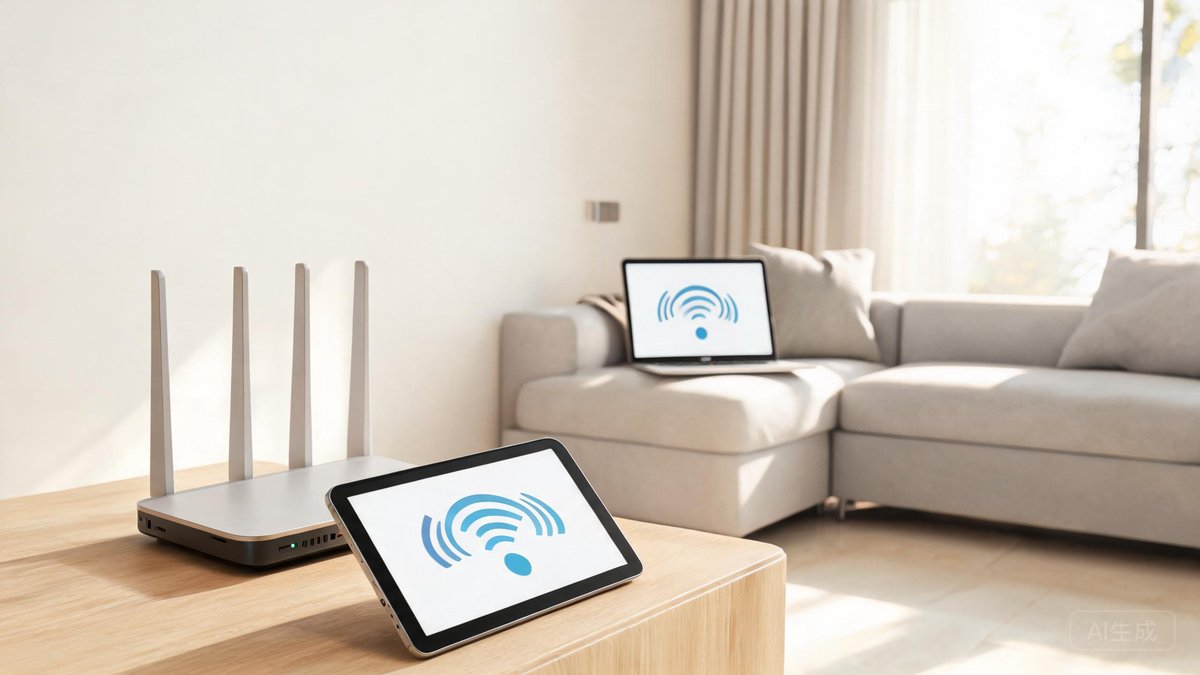
A reliable home network has become as essential as electricity and running water. Weak Wi-Fi, dead zones, and mysterious disconnections are not facts of life to be endured; they are engineering problems with specific solutions. The foundation of any good network is the router. If your router is more than five years old or was provided by your internet service provider, replacing it with a modern Wi-Fi 6 or Wi-Fi 6E router is the single highest-impact upgrade you can make. Mesh systems from companies like Eero, Google Nest, and TP-Link Deco eliminate dead zones by placing multiple access points throughout the home that communicate with each other to create a single seamless network. For homes where running Ethernet cable is feasible, wired backhaul between mesh nodes dramatically improves performance by freeing the wireless radios to serve only client devices rather than also communicating between nodes. Network security starts with changing the default router admin password, enabling WPA3 encryption if your devices support it, keeping router firmware updated, and creating a separate guest network for visitors and Internet of Things devices that do not need access to your primary network. If a device does not need to talk to your computers, it should not be on the same network as your computers. Quality of service settings on modern routers can prioritize video calls and gaming traffic over bulk downloads, preventing a large file transfer from destroying your Zoom call quality. These settings take minutes to configure and solve the most common home networking frustration.
Troubleshooting Methodology
Effective troubleshooting is a skill that applies to every technology problem, from a computer that will not boot to a printer that has decided today is not the day. The methodology is consistent across all devices and problems. Start by defining the problem precisely. "My computer is slow" is not a problem statement. "File Explorer takes eight seconds to open on my Windows 11 laptop, but only after the machine has been running for more than two hours" is a problem statement you can work with. Reproduce the issue reliably so you know when it is fixed. Isolate variables systematically by changing one thing at a time and observing the result. If you change three settings at once and the problem goes away, you have not actually identified the cause. The most common causes of computer problems are, in order: recently installed software or drivers, pending operating system updates, insufficient free storage space preventing proper virtual memory operation, background processes consuming resources, malware, and failing hardware. Check these in order before escalating to more exotic theories. When searching for solutions online, include your exact error message in quotes, your operating system version, and the date filter set to the past year to avoid decade-old advice that no longer applies. Reddit threads and manufacturer support forums are generally more reliable than generic tech advice sites that aggregate solutions without testing them. If a recommended fix could cause data loss, back up your data first. If it involves the Windows registry or Linux system files, create a restore point or backup before proceeding so you can undo changes that make the problem worse rather than better.
Keeping Your Tech Knowledge Current
Technology guides have a shelf life. Operating systems receive major updates annually and security patches monthly. Hardware generations turn over every 12 to 18 months. A guide written two years ago may reference software interfaces that no longer exist, hardware that has been superseded, or security practices that are now considered inadequate. We date every guide prominently and review content older than 18 months for accuracy. When a guide becomes outdated, we either update it or clearly mark it as archived with a link to the current version. Readers should check the publication and update dates before following any technical procedure, especially those involving system configuration, security settings, or hardware installation where following outdated instructions can cause problems rather than fix them. If you encounter a guide that suggests a solution that no longer works, let us know through the contact page. Reader reports of outdated information are the primary way we identify which guides need priority updating, and we appreciate the community effort in keeping our technical content accurate and useful for everyone.